


New here? Hi, I’m Alex Lindahl, a Creator in Residence at Clay. You can find me on GTM Engineering YouTube channel, X where I post daily GTM plays, and r/gtmengineering where I host weekly AMAs. Connect with me on LinkedIn.
Join 9,350+ GTM operators from OpenAI, Reddit, a16z, Figma and others who subscribe to learn how the fastest growing companies use AI in GTM.
Today’s download
A new way to save money on AI in Clay
Grok Bot + Clay workshop this week with SpaceXSI
Outbound AMA with Eric Nowoslawski
Deep dive: building a weekly audience & social media analyst report
Skill of the week: Ideal Customer Signals
Top 10 highest paying GTME job openings
A new way to save money on AI in Clay
We just announced auto-mode for Claygent (Clay’s AI research agent). Simply put, it auto chooses the right AI model for your task. Check out the video below.
There’s now at least 5 ways to save credits and money in Clay:
Conditional runs - only run an enrichment if something is true. For example, only enrich an inbound lead with a mobile number if the lead matches your ICP.
Jev - use the decision model (costs a fraction of generative AI) to decide if that profile meets your ICP. Check out my posts here on how to use Jev in Clay.
Budgets - setup budgets for everyone on your team using Clay.
AI analysis - use your Codex, Claude, or Grok Bot to analyze the use case to find opportunities to save credits.
Claygent auto-mode - the right model for the task is chosen for you.
Give me a shout if you have another clever way to save and I’ll feature it.
Grok Bot + Clay workshop with SpaceXSI
When: this Thursday, Oct 29
Time: 2:30 - 3:30PM EST
Register: Grok Bot X Clay: Describe the outcome, skip the busywork
Cold Email AMA with Eric Nowoslawski
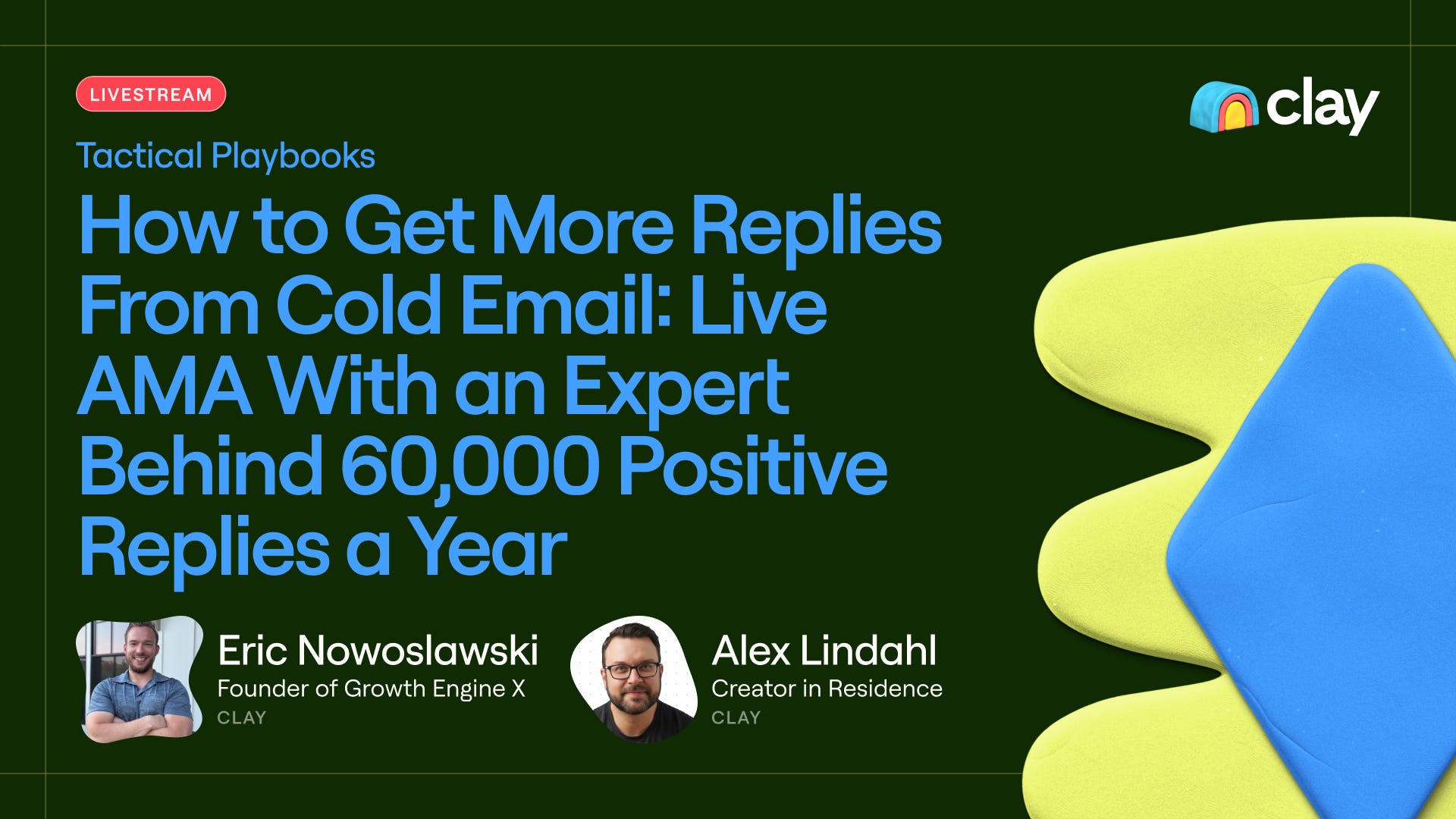
When: this Friday, Oct 30
Time: 1:30 - 2:30 PM EST
Register:
Eric Nowoslawski is one of the most well known cold email experts in the GTM community. He just returned to Clay after building Growth Engine X, an outbound agency that generates 60,000 positive replies per year. If you do cold email, you won't want to miss this one! Eric is sharing his secrets and answering everything. AMA is happening live and answers will be posted to r/gtmengineering.
The Grok Bot system & how to build it
The newsletter started to grow faster from an average of +20 subs/day to over +30 subs/day over the last several weeks. I increased my posting from 1 to 3 posts per week, but I struggled to figure out what:
What’s working?
What’s not working?
Are the right personas subscribing?
What should I do next to grow even faster?
Great use case for building an always on system that guides me on every week.
The system does the following:
Sends subscribers from Substack to Clay
Clay enriches emails for work identities and adds them to Audiences
Grok Bot pulls stats from all of my social platforms
Grok Bot aggregates all of the data, keeps snapshots in Notion
Grok Bot provides me with a weekly report, analysis, and recommendations
Every marketer needs a system to:
Answer the same questions
Double down on what’s working to generate more leads
This guide walks you through:
Where and how I extract data
Where data & stats are stored
10 growth metrics I’m tracking with real data examples of my audience
Step by step on how I built everything (so you can copy)
Prompts you can use to get started
Where and how I extract the data
I’m growing 5 different channels. Each platform requires a slightly different way to pull data. This is how I extract the data out of each one:
LinkedIn (ME Alex Lindahl):
Ordinal (via MCP) + CSV downloads (manual) + Grok Bot & Apify (scraping)
Substack (GTM Engineering Newsletter):
WriteStack provides analytics on Notes
Grok Bot
X (@gtm_engineer):
Grok Bot natively connects with X to search, monitor, and read posts
YouTube (@gtm_engineering_ai):
Grok Bot pulls public data on # of subscribers
I’ll need to figure out how I get other data later for V2
Reddit (r/gtmengineering):
Grok Bot + Apify
Where I store the incoming data
Clay Audiences - this provides me with up to 600 fields for people & companies. It’s the context layer for the GTM system. This is where I append enrichments to subscribers, note if a subscriber disabled email, their persona, and so on.
Notion - Grok Bot takes snapshots of followers, engagements numbers, and post stats so that they can be compared each week. The Bot automatically stores the data in a Notion DB. This is also a context layer, but for the content I’m producing and how it performs.
Both of these storage backends can be accessed via MCP.
10 growth metrics that I’m tracking (w/ examples)
The metrics and screenshots from V1 Grok Bot report.