


New here? Hi, I’m Alex Lindahl, Creator in Residence at Clay. You can find me on GTM Engineering YouTube channel, X where I post daily GTM plays, and r/gtmengineering where I host weekly AMAs. Connect with me on LinkedIn.
Join 9,150+ GTM operators from OpenAI, Reddit, a16z, Figma and others who subscribe to learn how the fastest growing companies use AI in GTM.
Town announced today it raised $108M Series B at a $1B valuation.
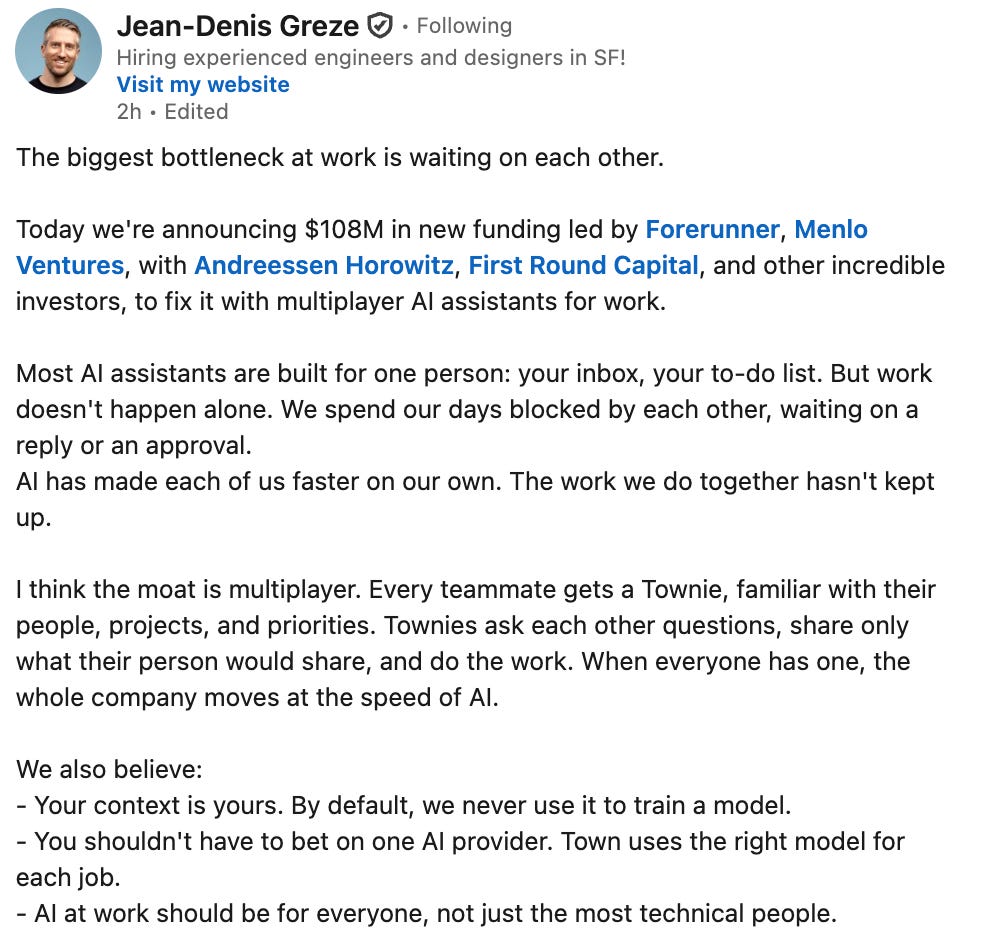
Link to Jean-Denis Greze post.
This is months after they publicly launched in June with a $55M Series A. Within weeks of launch, Town pulled in 7-figures in revenue.
We use Town at Clay and we love it. Their Personal AIs, called Townies, learn how you work, maintain a wiki on you (think of this as your ‘how you work DNA’), and then do work.
Town is moving from providing 1-1 assistants to assistants that work together and across your team. This fills a gap that is missing from personal AIs today:
Today your work assistant knows you, but it can’t work directly with your team. A team bot learns from team channels, but it can’t see anyone’s inbox or preferences, so it never really knows any one person. And in neither case can they work well with folks outside the company.
What if everyone had an assistant that understood the individual and the team? An assistant that understood what to keep private and what to share? An assistant that could handle the back-and-forth just like a human does by using the same emails, texts, and chat we do?
The rise of personal AIs raises a few interesting GTM questions:
How do you use personal agents for GTM?
Are there different motions to bring agent to market compared to software?
Will all of these agents converge to the same set of use cases? And then, how do you differentiate your agent from others?
How will companies respond when agents start taking actions for humans? (e.g. buying something on Amazon, which then disrupts Amazon’s ad business)
To answer #1, I hosted their founding Growth Engineer, Adam Reisfield, on the GTM Builders’ AMA that I host: How Town’s growth team uses Town for growth.
The following is a recap of the AMA. Plus check out our previous AMA recaps:


How Town uses personal AI in marketing
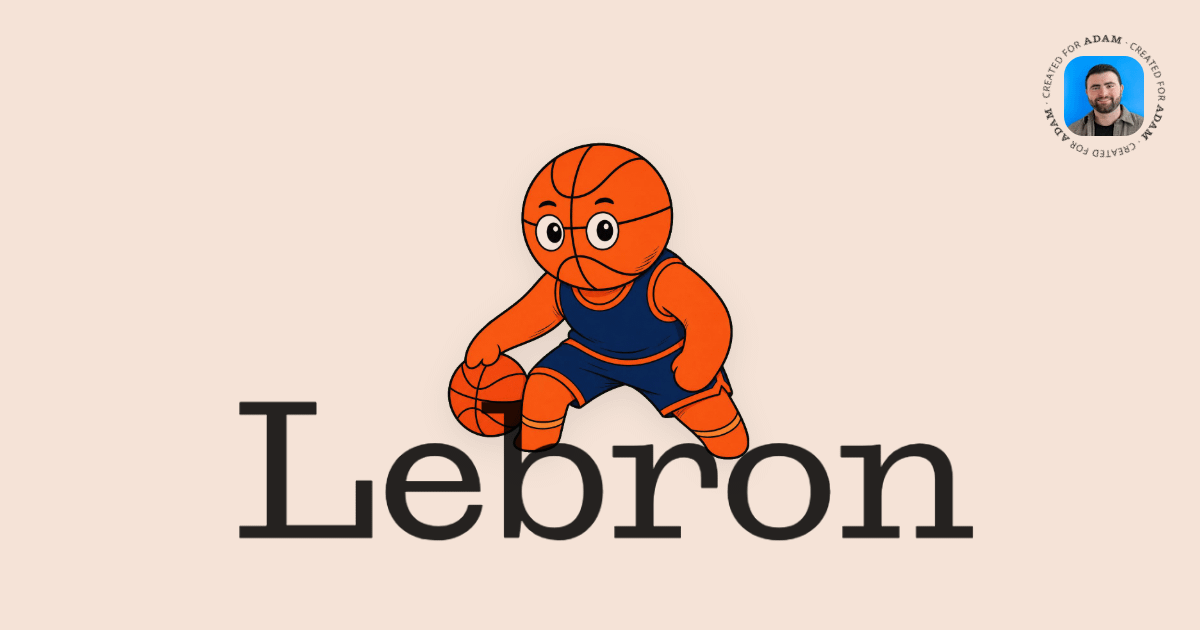
Town's head of marketing used to DM Adam Reisfield whenever she needed to know how a system worked or how to set up a campaign. Now she opens a thread with his agent. It answers more than 80% of her tactical questions, based on past conversations it's had with Adam.
The agent is named Lebron. He’s a Townie, the personal agent Town sells.
Routines are agent skills Townies use to get stuff done.
Adam shared a few use cases on how they use Lebron internally.
This is how they use Lebron in marketing:
Town + Clay for inbound workflow triaging and automation
Capturing the voice of the customer after each customer call
Turning insights from calls into SEO & GEO optimized pages
Weekly funnel analysis and doc
Marketing team help desk
Town + Clay for recruiting
Town for inbound lead enrichments & follow ups
AMA Question: How should I use Town for inbound leads enrichments and follow ups?
Adam:
Good question! Town + the Clay integration is a great combo here 👌
The real skill here is using Town to build a skill (or clear criteria) for how you define your ICP. The better Town understands who you actually sell to and what a good customer looks like, the more useful it gets for inbound. You can even ask Town to review past conversation transcripts, CRM data, internal conversations, etc., to help sharpen this definition.
From there, it helps you:
identify which inbound leads are truly ICP-aligned
draft better, more personalized follow-ups that pull in real examples of how similar customers use your product
Then the setup:
A routine that fires on new inbound (form fill, demo request, or new HubSpot contact).
Enrich via Clay connected to Town (role, company size, funding, LinkedIn) plus a quick web pass (Town has invested heavily in best-in-class, deep people research with specialized integrations)
Score against your ICP skill and write it back to HubSpot.
Town drafts the follow-up in your voice with relevant customer examples and your calendar link. Start in draft mode and review before anything sends.
A second routine bumps no-replies after a few days - and you can also plug into existing outreach tools.
Ultimately, the hardest part of this process is knowing who your real customer is. Once you get that down, there are a bunch of different ways that you can implement the actual workflows, and Town is absolutely one of them.
Easiest start, share a prompt like this with your Townie: help me crisp up my ICP definition and then set up a workflow so we enrich inbound leads with Clay upon signup, log data back to our CRM, and help me draft not only the personalized follow-up message but also the bump sequence. Ask me critical questions to refine this workflow and the integrations.
Capture voice of the customer with routines
Capturing the voice of the customer is so important to everything we do, especially broken down by persona. After every customer call, a workflow fires that looks at the user’s persona classification, extracts customer quotes, product feedback, pain points, how they’re articulating value, etc., into structured data, and logs that information to a document (soon to be a spreadsheet).
With that foundation of customer voice in place, when we do things like create landing pages or build custom routines for specific personas, we’re grounding that in the real voice of the customer.
Turning voice into SEO/GEO optimized pages
AMA Question: Are there any cool growth loops where Townies have helped Town grow faster?
Adam:
One loop that comes to mind is turning what we’re hearing on customer calls into content (and there’s so much more that we can/should be doing here, to be honest).
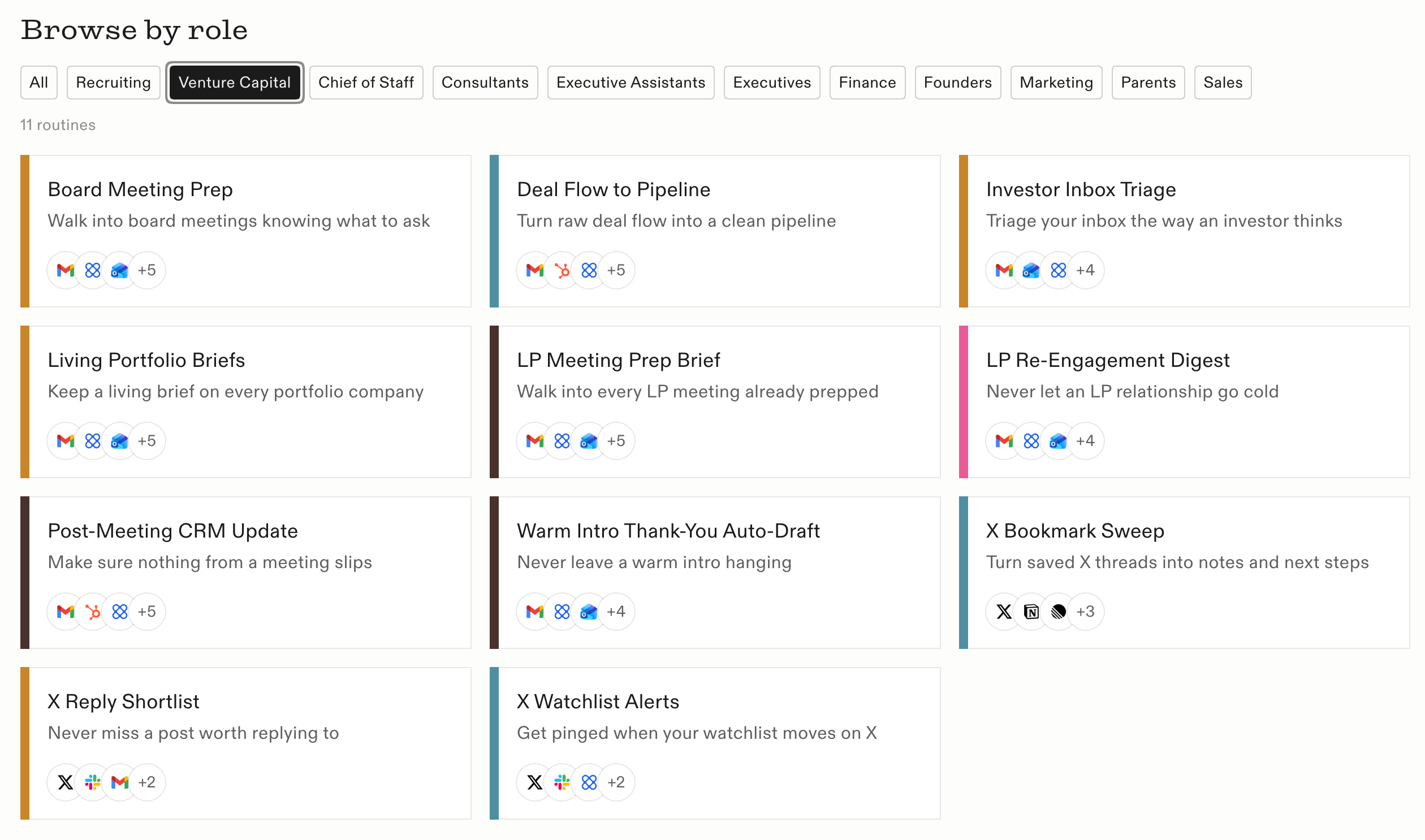
Because Townies know about what we’re discussing with customers on calls, they can help turn that into rich content for us. One example is our routine library: https://www.town.com/routines
After learning about a ton of different rich workflows that customers were deploying, we then used our Townies to figure out, for different personas, what some of the top routines are. We then turned those into SEO/GEO-optimized content to not only help with activation for new customers by allowing them to deploy these routines (both from our marketing site and also in-app), but also drive sessions by expanding our website footprint.
Weekly funnel analysis & reporting
Each week the team meets with Town’s CEO to walk the full funnel and decide what to start, stop or continue. A Townie drafts the doc for that meeting.
It combines the numbers with updates and questions people raised in Slack and in recent Granola conversations, so the doc explains the data instead of just listing it. And it cuts the data by persona against baseline over different time periods, which Adam said “would be hard to do every week manually.”
The output is a Google Doc with tables, headers and bullets, “so that we can leave comments on the data, as opposed to just looking at a dashboard.”
Marketing team help desk
Back to Lebron. Town lets you put several Townies in one thread, and on a team they treat each other as trusted contacts. They share a lot without asking for approval, and still check with a human for some things.
Lebron knows how Town’s HubSpot is set up, how they enrich, and how HubSpot and Hex connect. That’s why the head of marketing asks Lebron instead of Adam. His summary: “Taking an individual’s specialized knowledge, and making it easily available to anyone else on the team - without needing to send them a million slacks.”
Routines travel too. When two people joined the enablement team, they installed three of Adam’s routines right away: meeting notes to HubSpot, the post-call follow-up drafter, and the voice-of-customer logger.
“We believe that this context is a critical asset and should belong to the company that built it.”
Using Clay + Town for recruiting
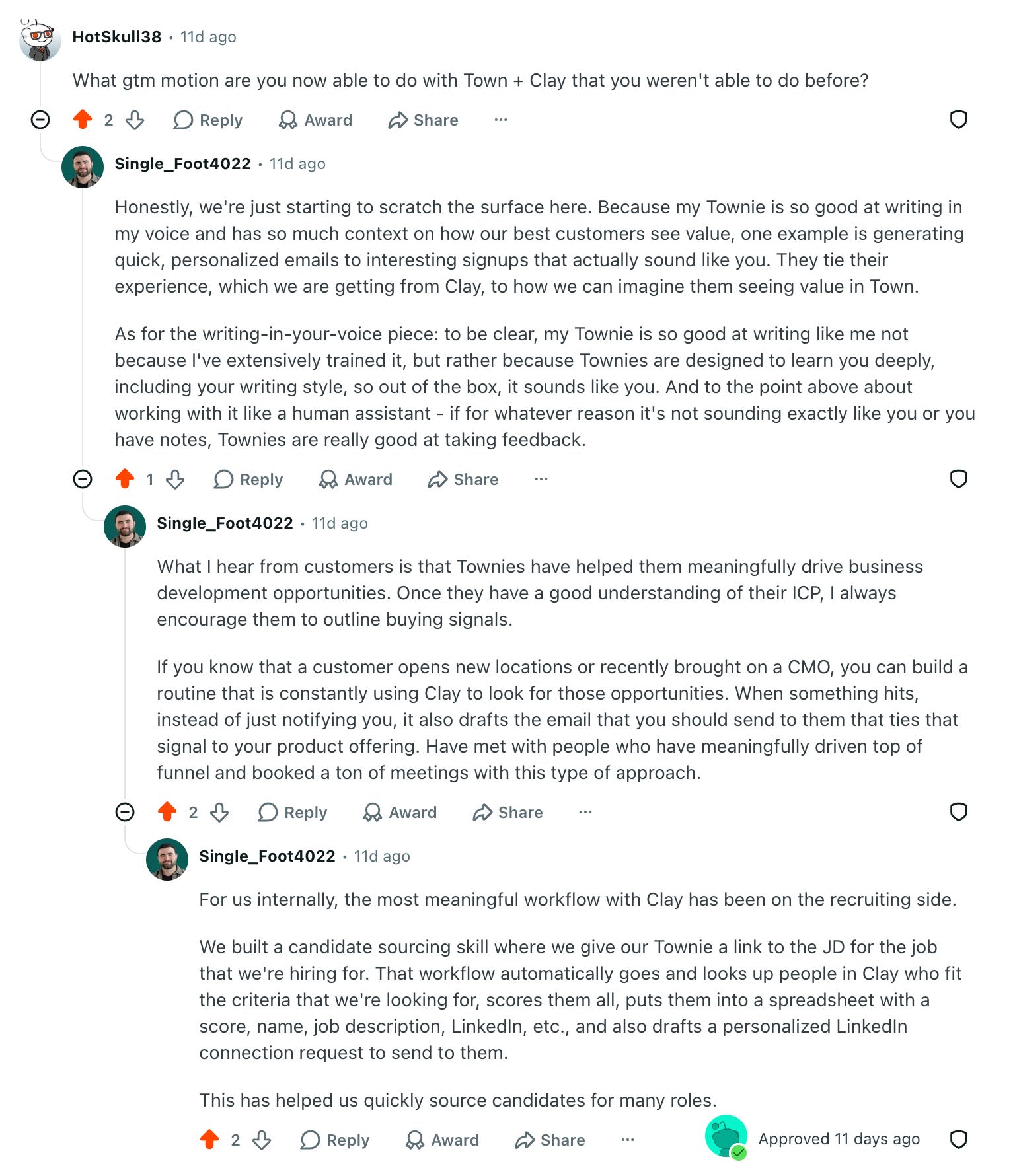
Try out Town: extra credits & time on trial
from Adam:
If you're interested in checking out Town, you can sign up with this link for an extra week on your free trial, plus an extra 5k credits (2x standard offering) during your trial:
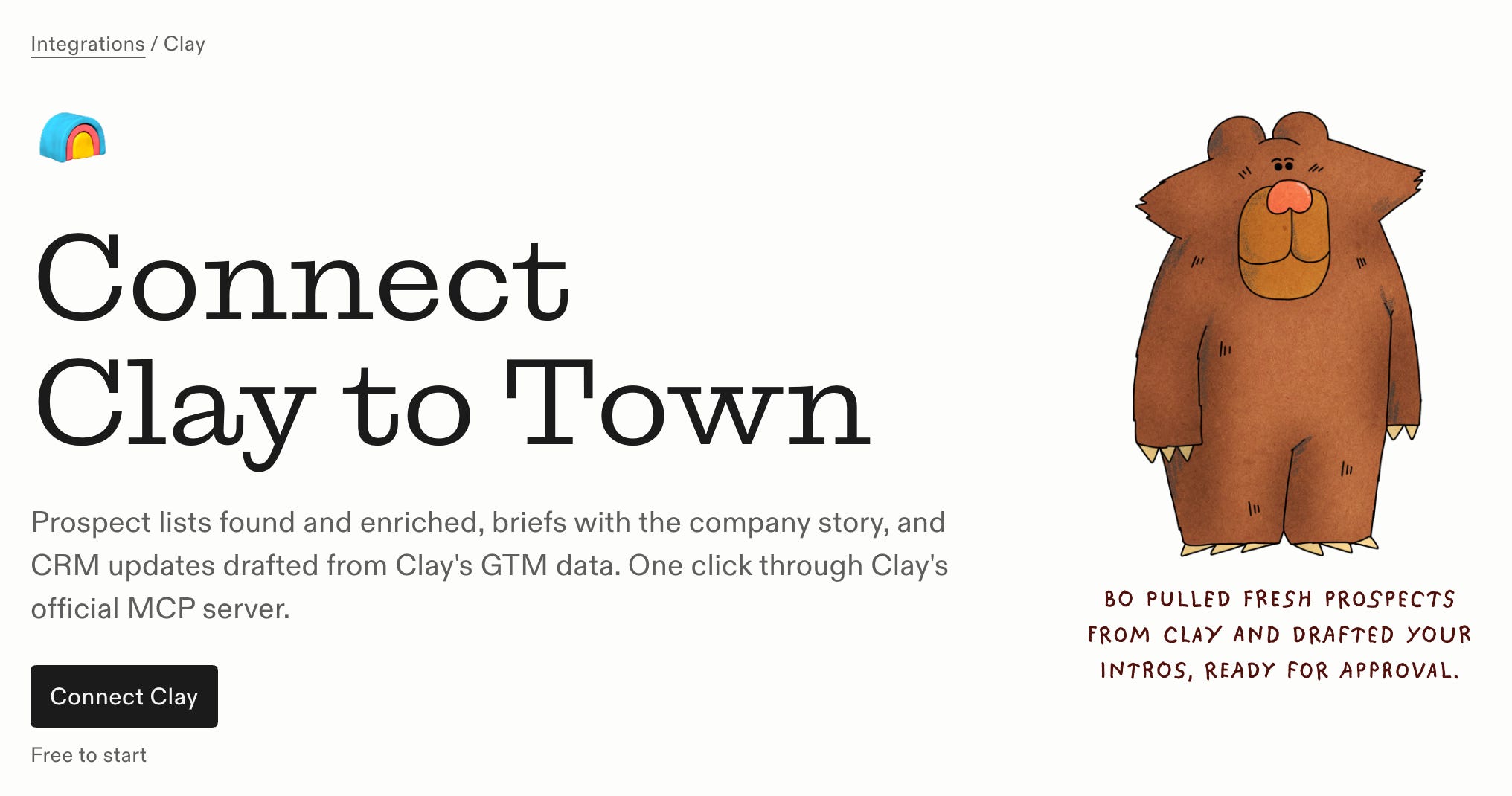
Check out the Clay skills:
Candidate sourcing run - fill any role’s shortlist without the manual sourcing grind
Attendee research brief - research every attendee before you meet them
Closed-lost win-back - win back my closed-lost deals when the timing’s right
Target account news digest - know what’s moving at your target accounts
Btw, check out Adam’s 15 Tips for using Town
So many good tips:
Talk to your Townie like a human assistant. Be direct about the task and the goal. Adam says you don’t need to dig through settings or config.
Give feedback constantly. If a draft doesn’t sound like you, give it notes the way you would a new hire. It doesn’t need special training to learn your voice.
Show it what good looks like. Share an ICP doc you already have, or outreach emails that worked.
Connect your sources up front. Granola, Slack, Hex, Notion, your inbox and calendar. Then you don’t have to paste context into every strategy conversation.
Ask it for use cases. Tell it the job and the problem: “This is the job to be done. This is the problem I’m trying to solve. How can you help me?” It suggests routines from what it knows about you and can build the ones you pick.
Ask it to question you. End setup prompts with “Ask me critical questions to refine this workflow.” That surfaces the details you’d forget to mention.
Define your ICP before automating anything. Have it sharpen your ICP from past transcripts, CRM data and internal conversations, then save that as a skill other routines can score against.
Start routines in draft mode. Review emails before anything sends, and turn on auto-send only once you trust the output.
Log customer calls as structured data. After each call, have a routine pull quotes, pain points, feedback and how the customer describes the value they get, tagged by persona. Landing pages, content and meeting briefs can all build on that log.
Run routines before and after meetings. Before: a brief with the person’s background, CRM history and usage data. After: a follow-up in your voice with next steps, links to your docs, and notes logged to your CRM.
Watch for signals, then draft the email. Pair Clay with routines that look for buying signals, like new locations or a new CMO. When one hits, the Townie drafts the email tying the signal to your product instead of just alerting you.
Share routines with teammates. New hires can install your best routines on day one instead of rebuilding them.
Let teammates ask your Townie. Add it to threads so colleagues can get answers about your systems without DMing you.
Cc your Townie on scheduling emails. It works out availability with the other people in the thread directly, like an EA.
Clean up your data first. Good tracking, metric definitions and a solid CRM and BI setup make every routine more accurate.
How to use Clay with Codex
New video is up on the GTM Engineering & AI YouTube channel.
Everett Berry, former Head of GTM Engineering at Clay, walks us through how to use Clay inside Codex: